oneli 插件下载,版本V1.1.0
点击这里,下载chrome插件
按以下步骤安装:
1
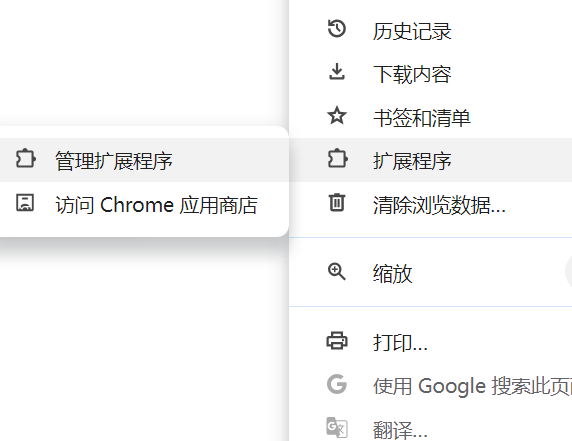
点击chrome浏览器右上角菜单选项,在下拉菜单里面选择扩展程序,再选择管理扩展程序按钮
2
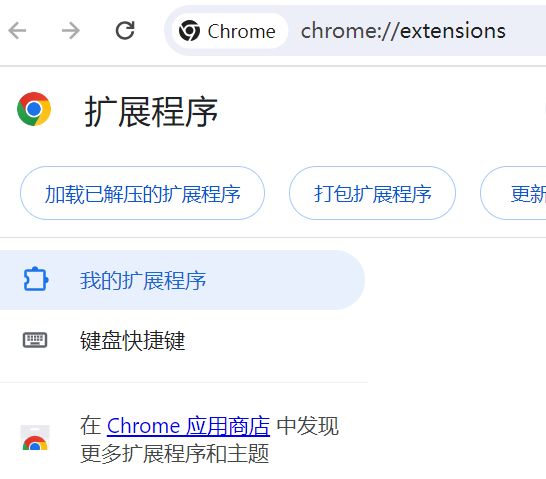
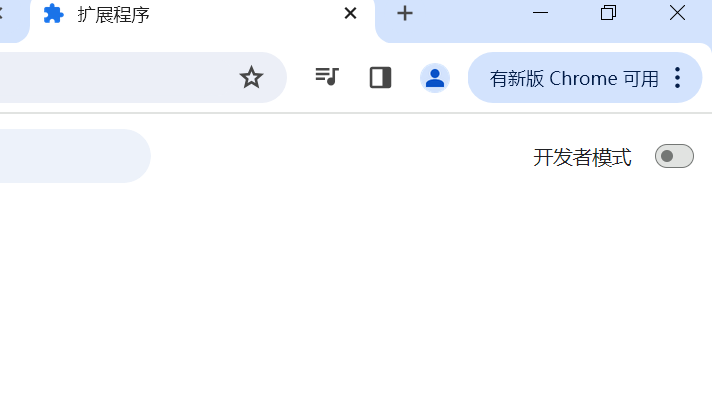
打开扩展程序页面,打开右上角的开发者模式开关
3
点击左上角 加载已解压的扩展程序
4
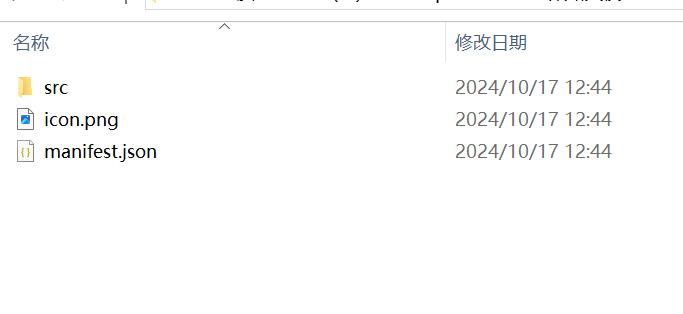
选择下载文件解压后的文件夹
5
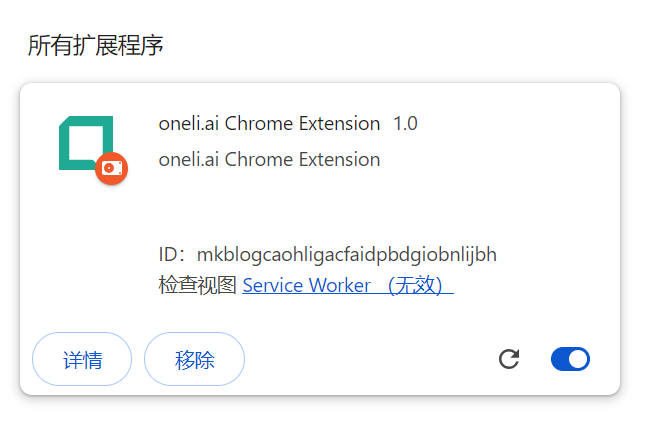
加载程序完成
6
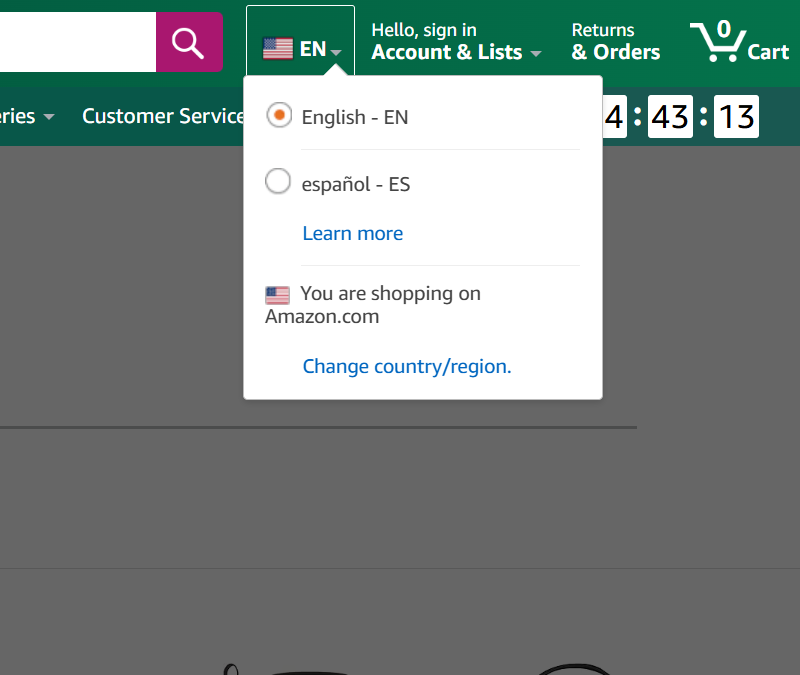
打开亚马逊首页,右上角语言保存为EN英文
7
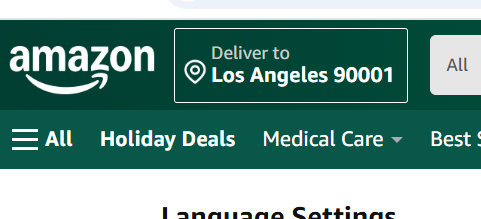
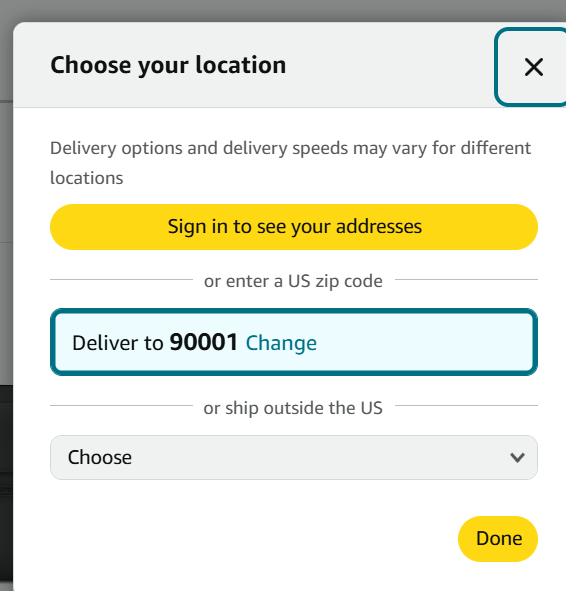
继续配置左上角的配送地区编码,比如北美地区可以设置为90001
8
弹出框输入编码后确认保存